
 Free · Open source · Windows & Linux
File Unlocker
Unlock and delete files that are “in use by another process” — fast, safe and with a modern interface.
Three ways to use it
A desktop app, a command-line tool and a Node.js module — all sharing the same engine.
🖥️ Desktop app
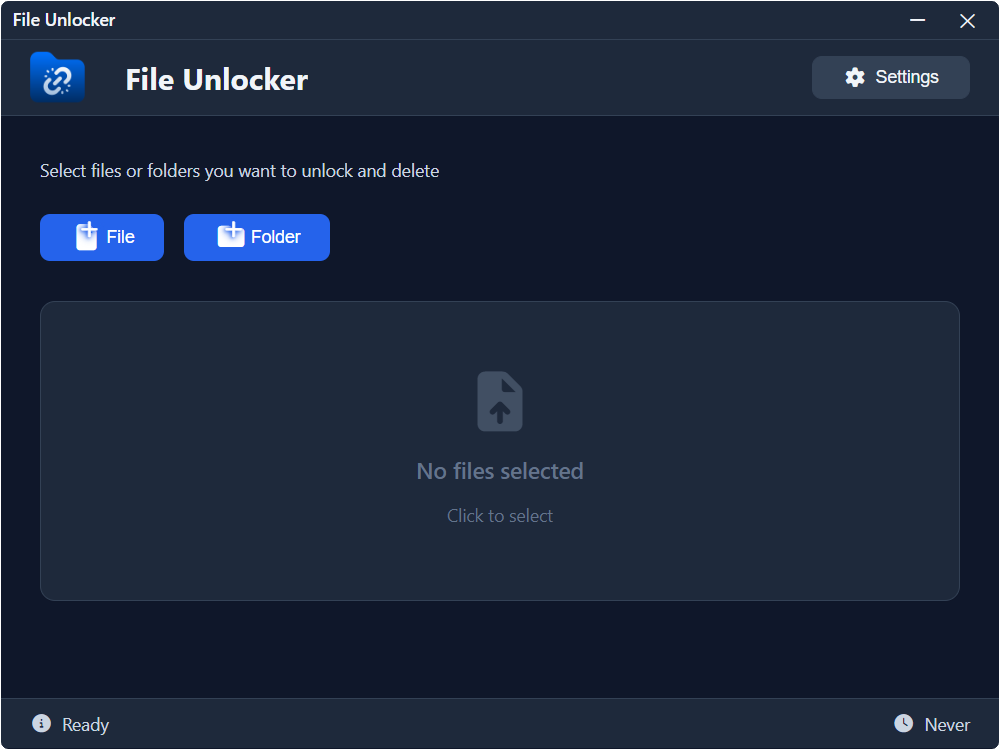
Electron GUI with drag & drop, process analysis, system tray and Explorer context menu.
⌨️ CLI tool
npx file-unlocker <file> --delete — perfect for scripts and automation.
📦 Node.js module
ESM and CommonJS API to unlock, delete and inspect locked files from your apps.
Features
Everything you need to take back control of a locked file.
🔓 Advanced unlock
Multiple strategies: native PowerShell, Windows API and file lock detection.
🗑️ Recycle bin safe
Always moves to the recycle bin — recoverable and safe by design.
🔍 Process analysis
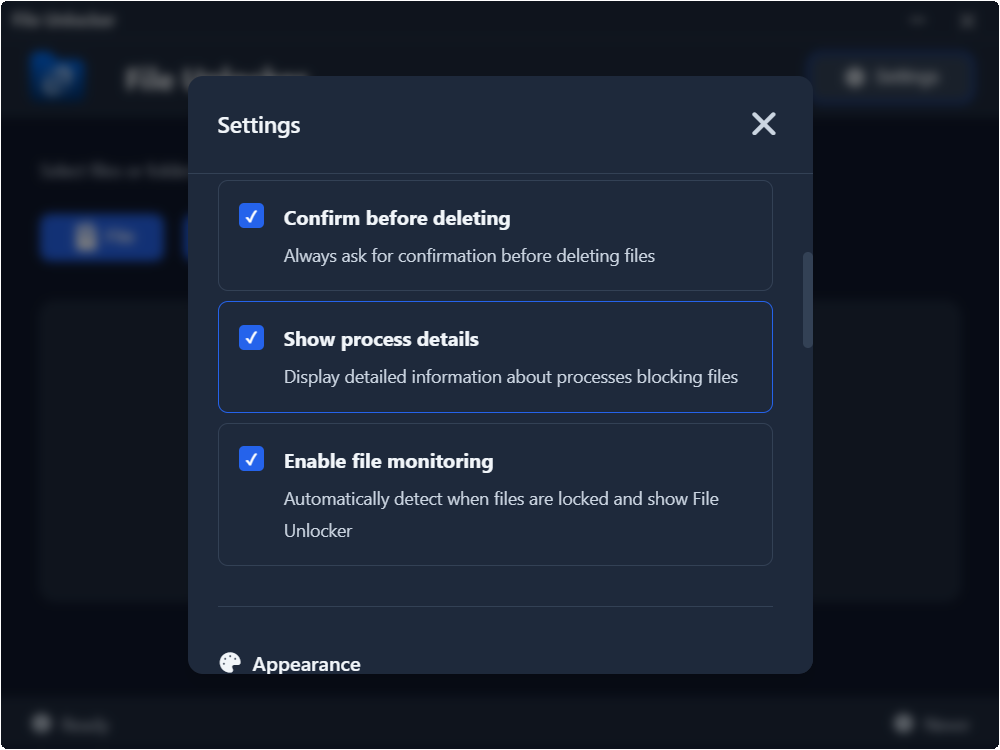
See exactly which processes are holding a file, and end only what you need.
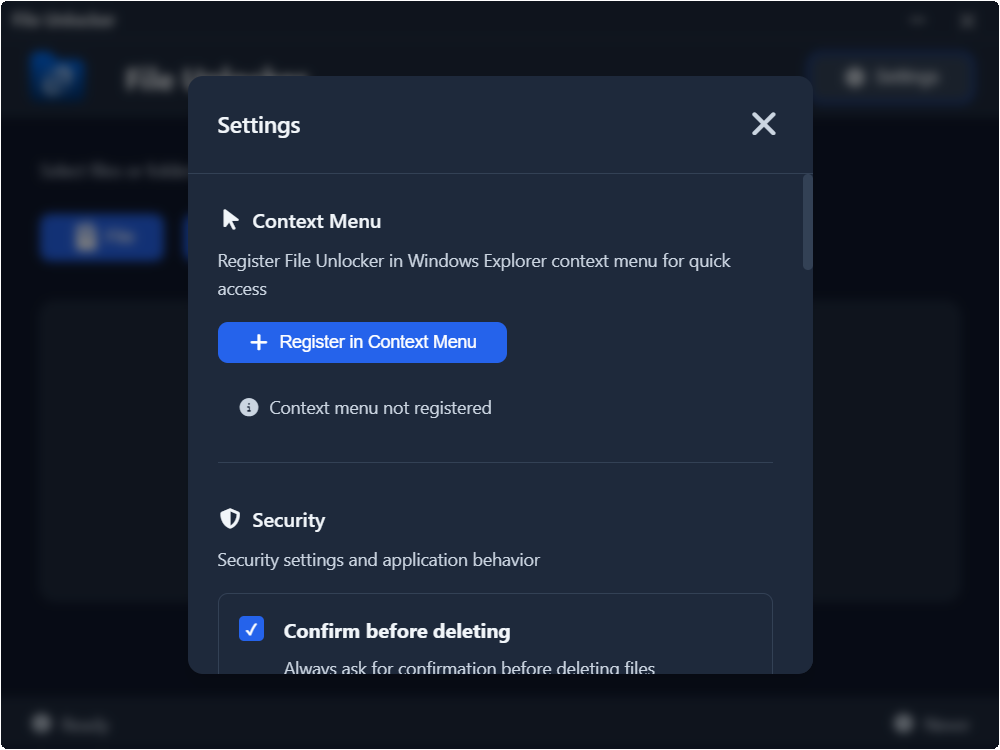
👆 Context menu
Right-click any locked file in Explorer to unlock it instantly.
🌐 7 languages
English, Português, Español, 中文, Français, Deutsch and Italiano.
🛡️ Open source
MIT licensed. Transparent, auditable and free forever.
Screenshots
See File Unlocker in action.
Supported platforms
Full support on Windows and Linux. Basic CLI support on macOS.