


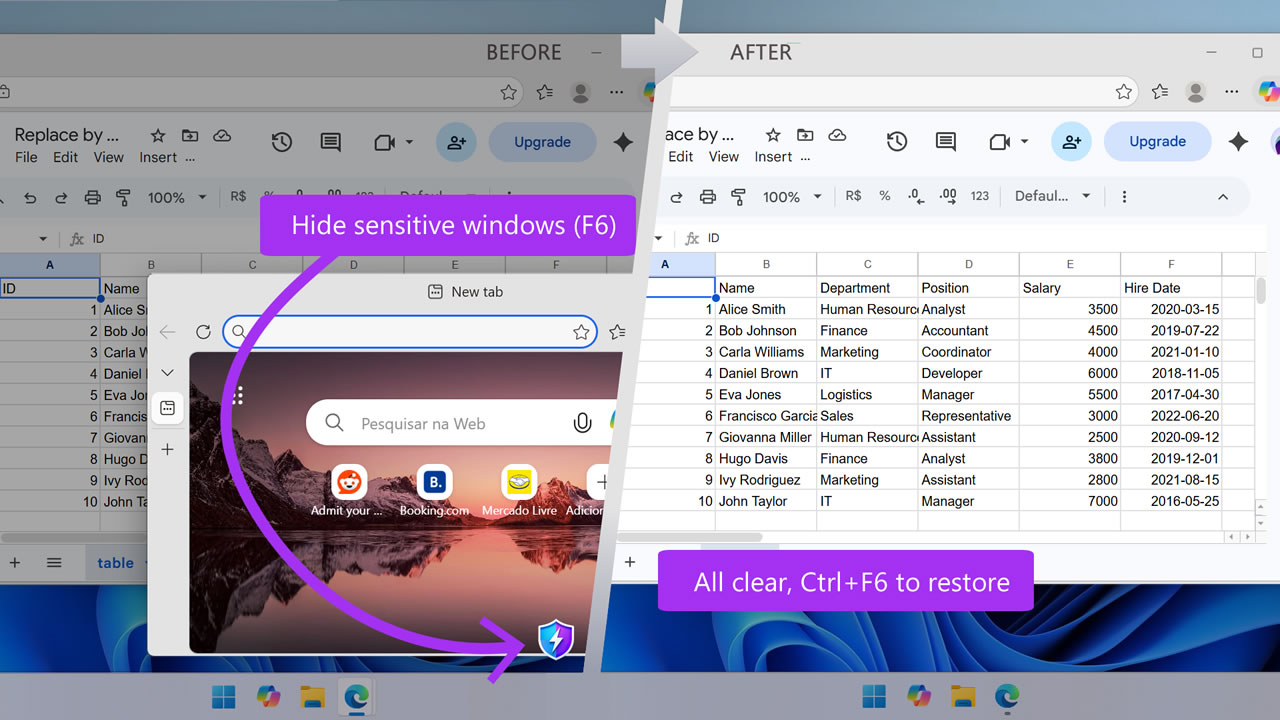
One key and the wrong window disappears without warning
Fully Open Source & Transparent
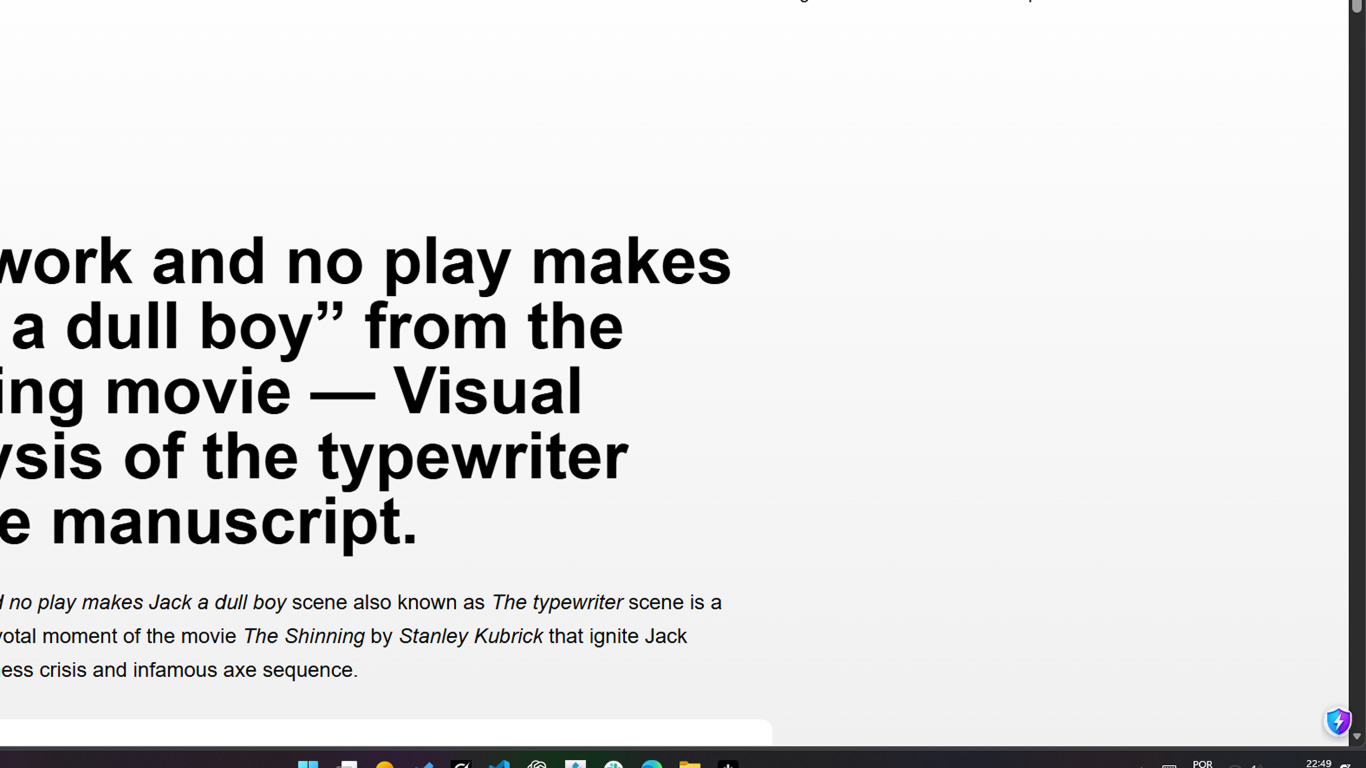
Not even Alt+Tab shows what was hidden
Mutes sound while hiding the screen
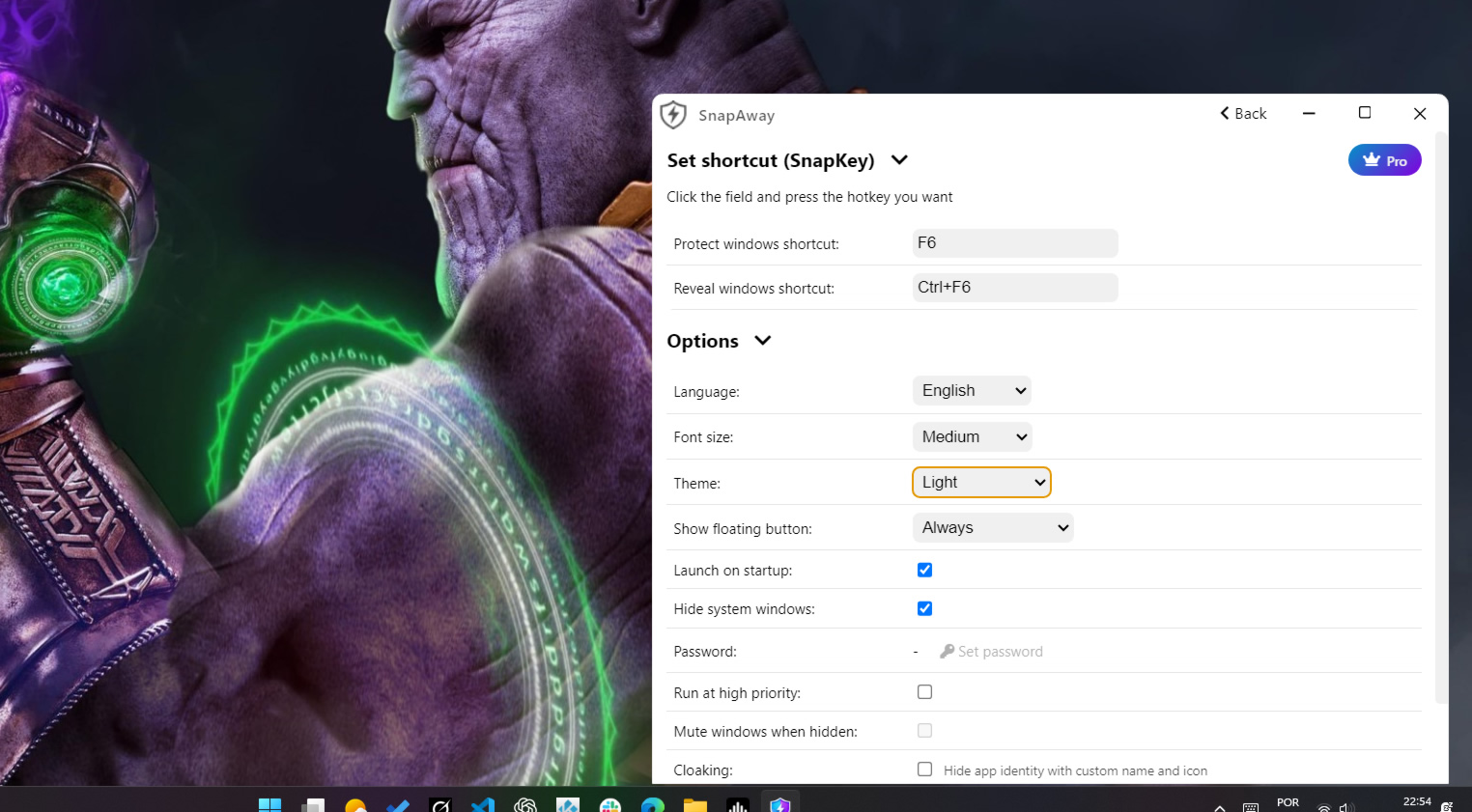
One customizable shortcut to hide or show the apps you choose — no subscriptions
Why people use SnapAway
Someone suddenly appears behind you. Your screen is full of tabs, messages, personal stuff, unfinished ideas. Not everything on your screen is meant to become public instantly, and sometimes you simply do not want to explain what is on your screen to everyone around you.
There is no time to close windows one by one. SnapAway lets you instantly hide only the apps and windows you choose, helping you avoid awkward moments, reduce unwanted exposure, and keep control over your own digital space, because privacy should be normal
SnapAway is open source. The entire code is public on GitHub.
You can review it, suggest improvements, or even contribute.
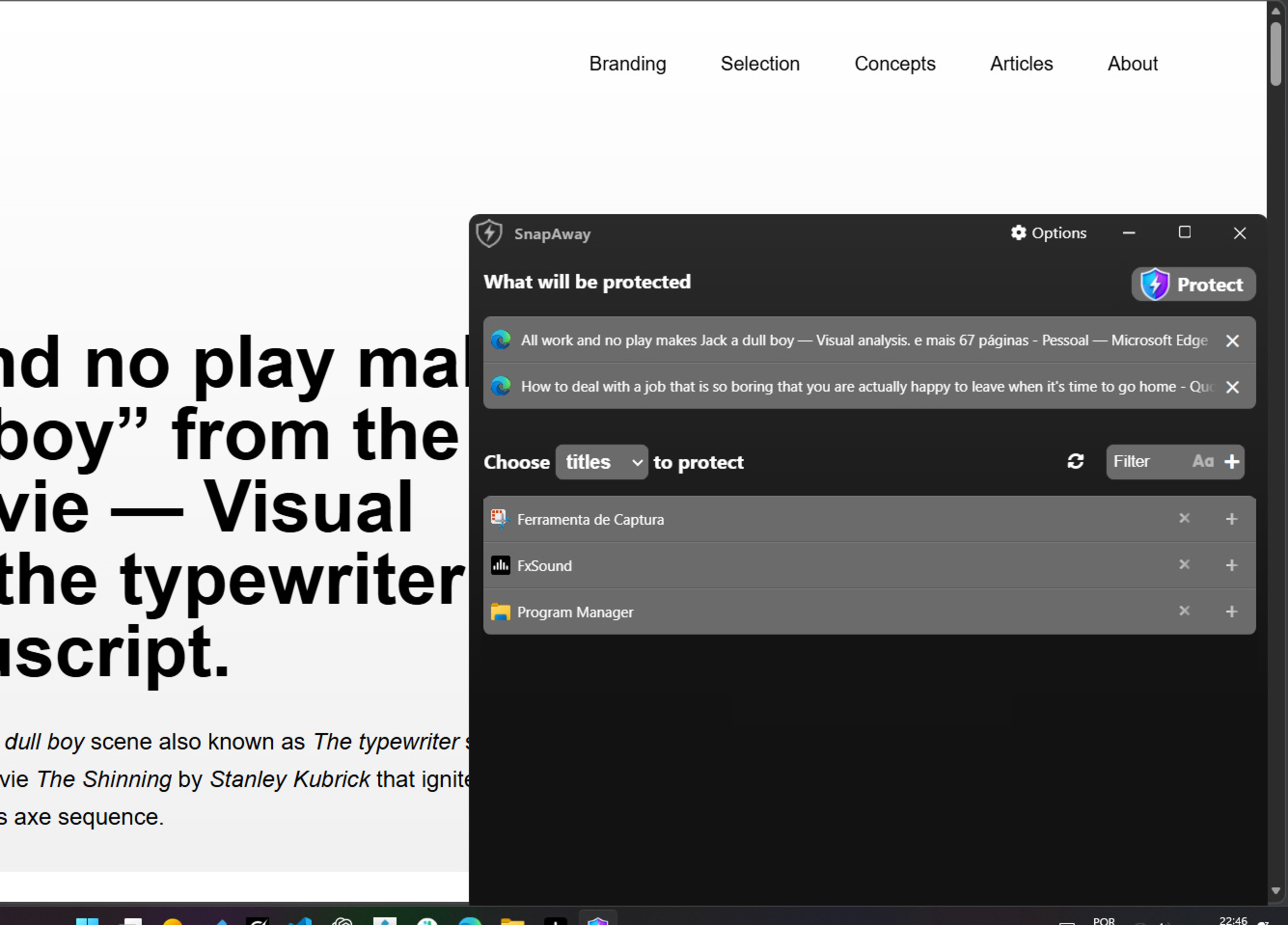
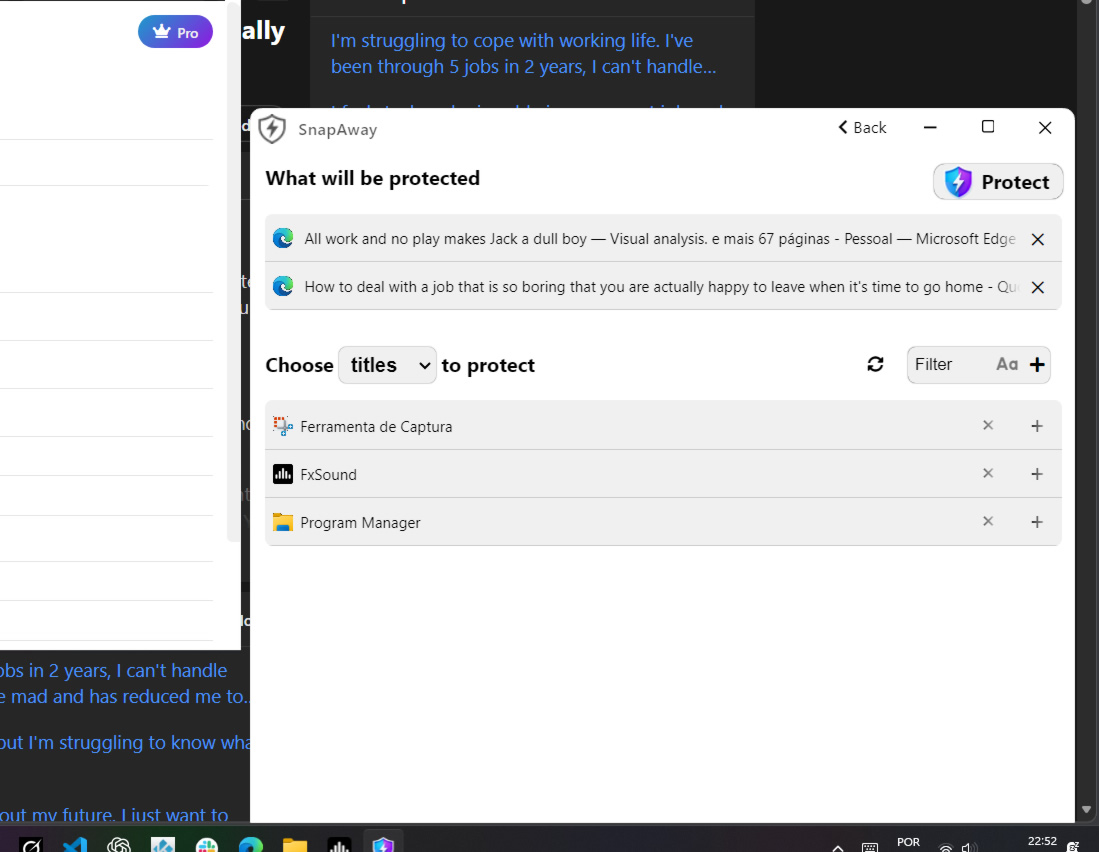
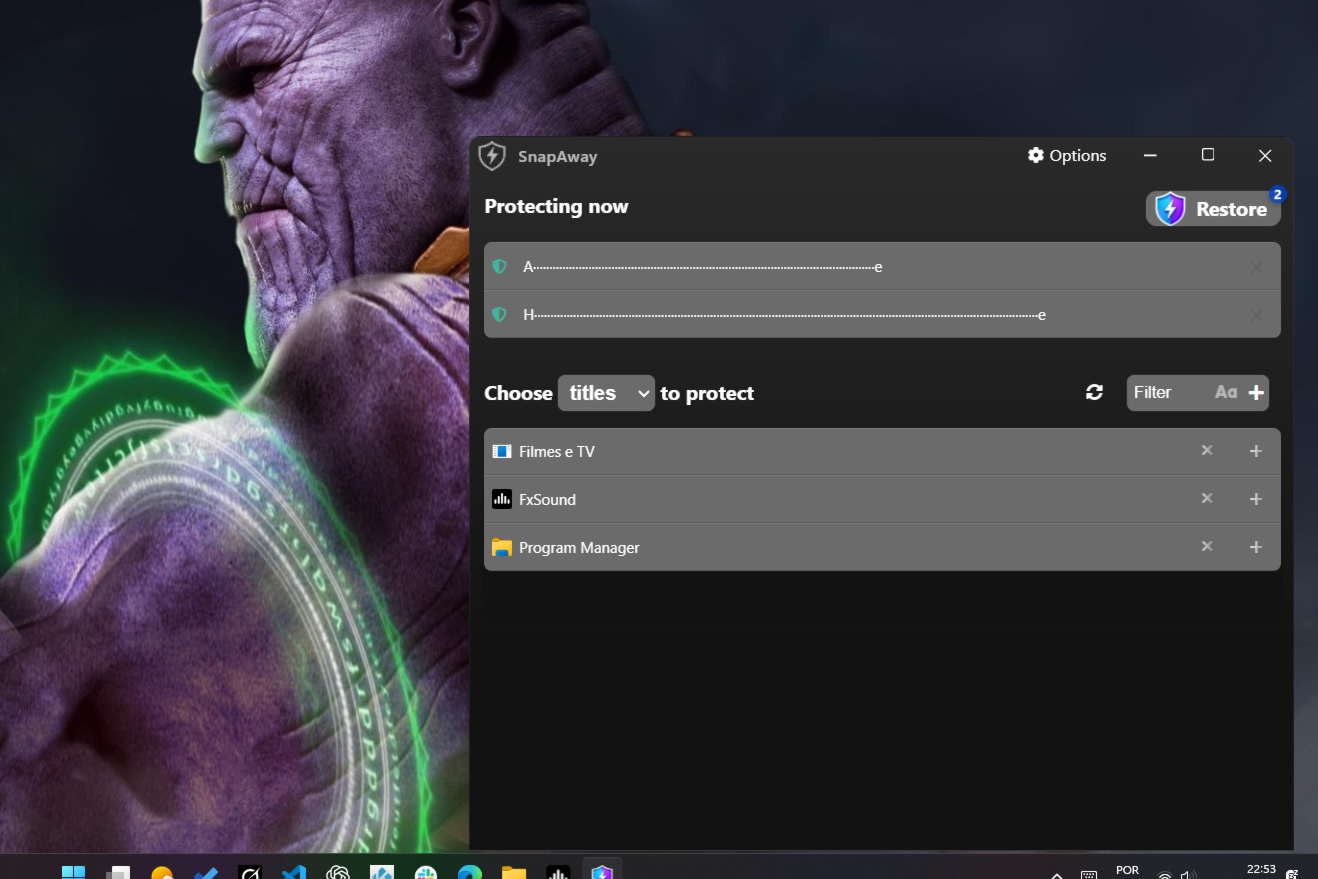
Open SnapAway, select the running apps you want to protect, then use the button in the app or your global shortcut to hide them instantly
Yes. You can restore everything from the main window, from the system tray, or through your configured shortcut
Yes. SnapAway is built around native Windows behavior and is intended for Windows 10 and Windows 11
Yes. SnapAway can automatically mute selected apps while they are hidden and unmute them again when restored
Yes. SnapAway supports password-protected restore flows when you need an extra privacy layer before showing hidden apps again
The starter option lets you hide up to 2 apps, which is enough for most everyday situations. If you need more flexibility, you can upgrade once for lifetime access to unlimited apps and advanced controls — no subscription

 Edenware